


I have some news I’ve been waiting a long time to share: SightReader now listens to your timing, not just your notes.
Until today, practice worked one way. The score waited patiently while you found each note, and we checked whether you’d hit the right keys. That’s a lovely way to learn to read, and it’s still here, now called Pitch Only mode. But it leaves out half of what makes music music. Rhythm was the biggest gap we knew about.
Pitch & Rhythm mode closes it.
How it works
Turn on the metronome. That’s the whole switch. You get a count-in (at least four clicks, in whole bars), and then the music moves at the beat, with or without you, the way it does when a teacher counts you along.
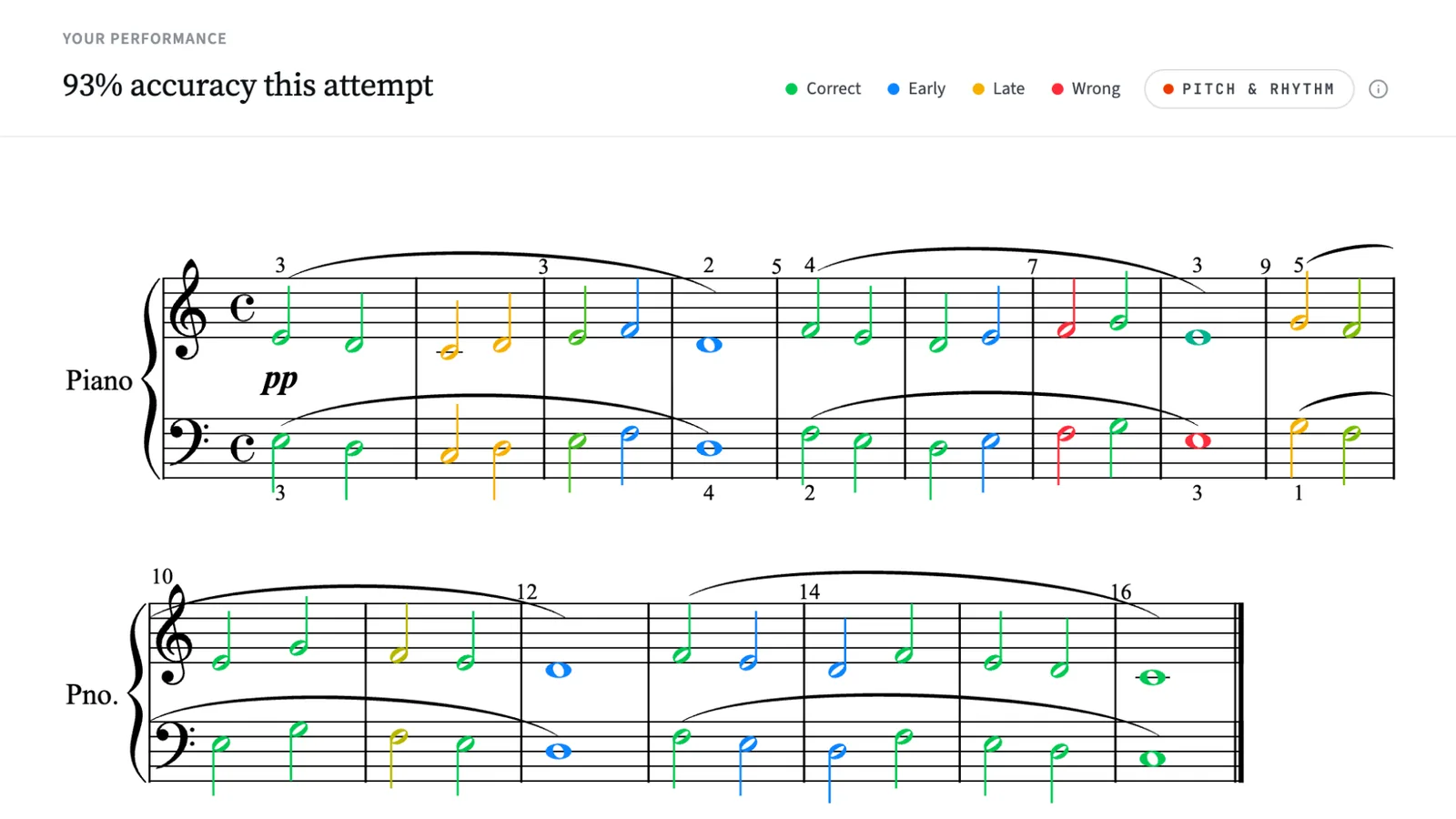
Every note is checked against the beat you can hear:
- In time stays green.
- Early shades towards blue: the earlier, the bluer.
- Late shades towards yellow.
- If the beat moves on without you, the note goes red and the music carries on. Jump back in wherever the beat is now. SightReader follows you, rather than making you replay what’s already gone.
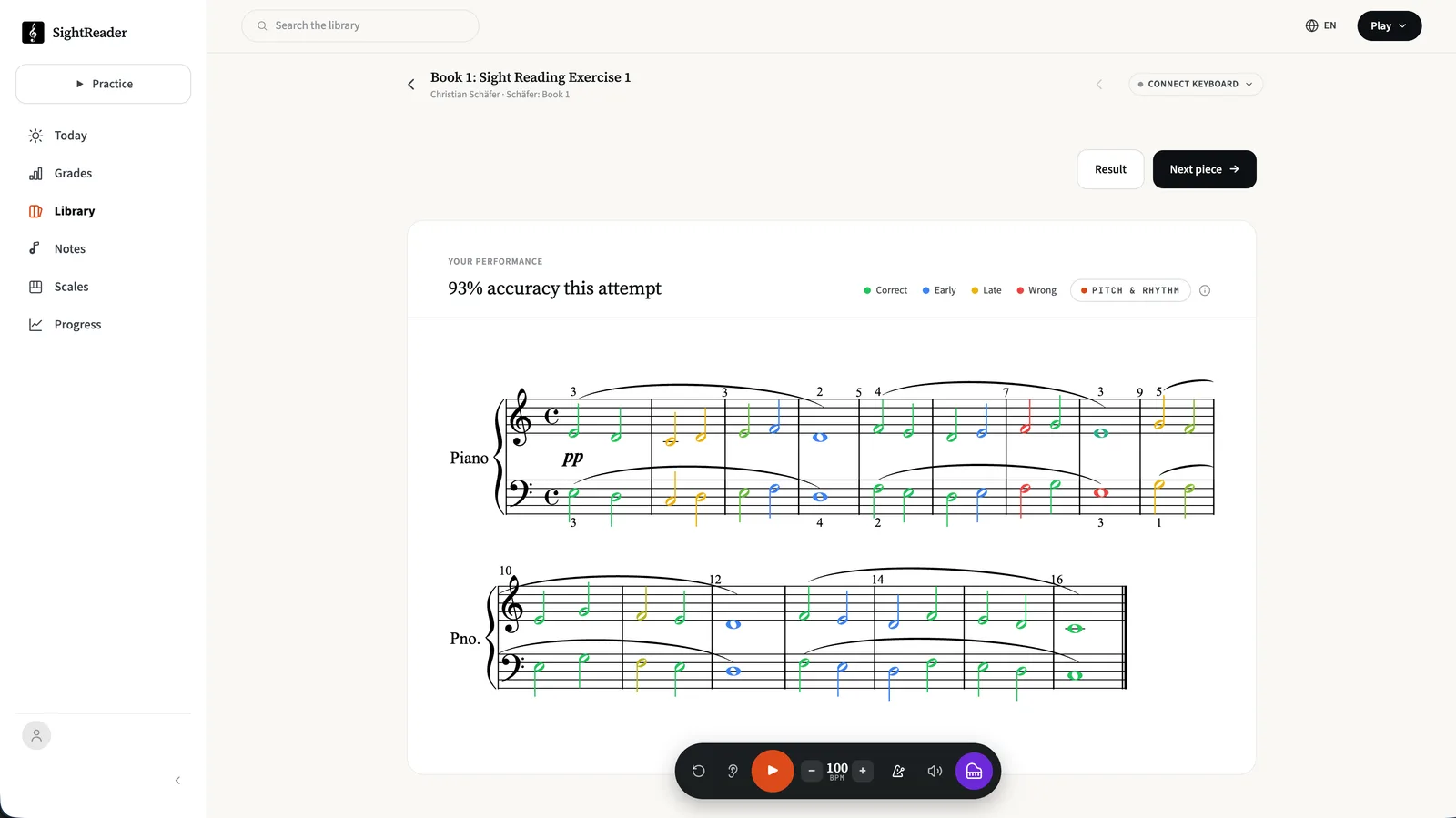
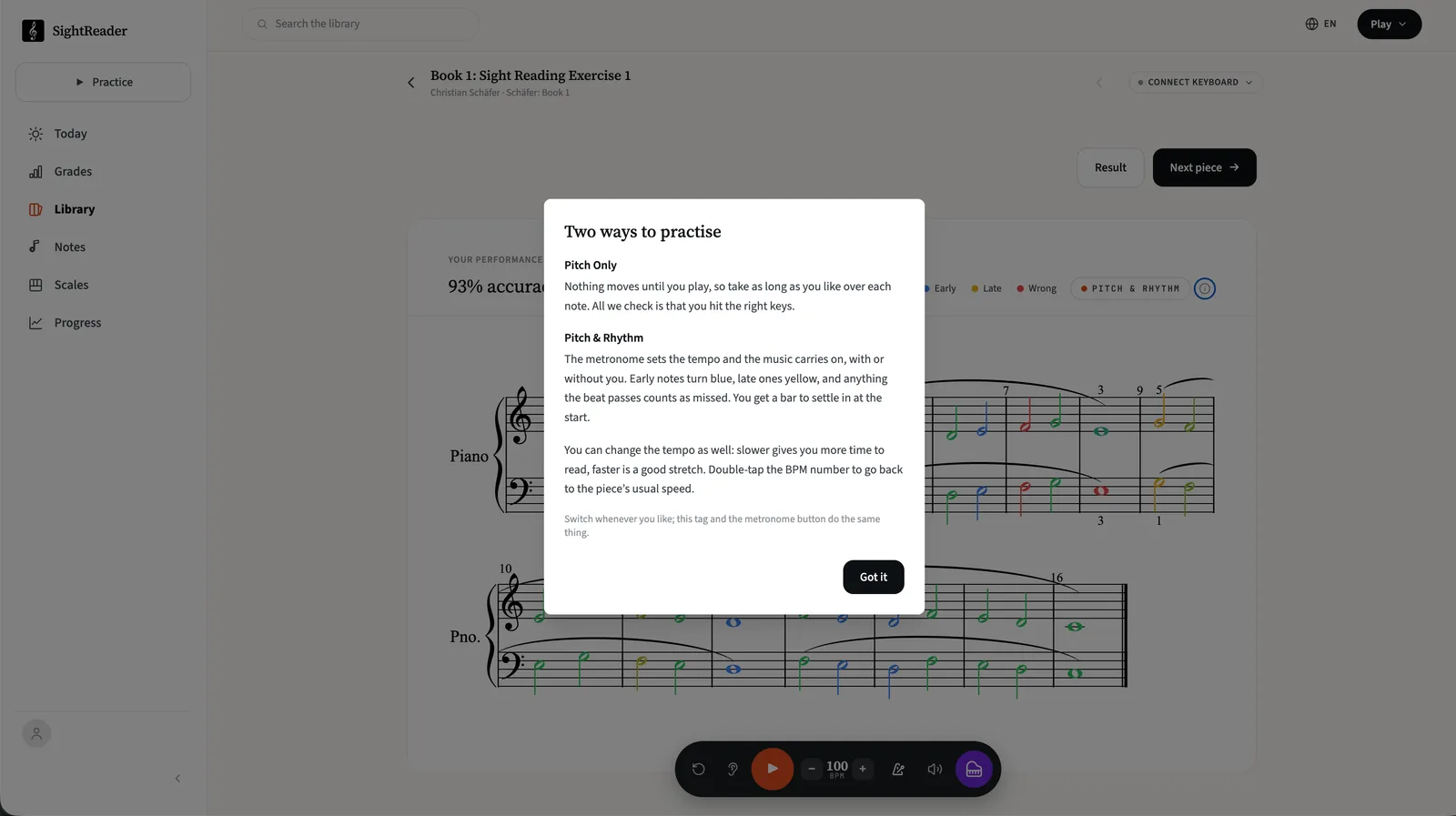
You also get a bar of grace at the start, so a fumbled first note doesn’t wreck the whole attempt. And if you’re ever unsure which mode you’re in, there’s a tag above the score that says so. Tap it to switch, or tap the little info icon next to it for a reminder of how the two modes work.
Your rhythm, measured
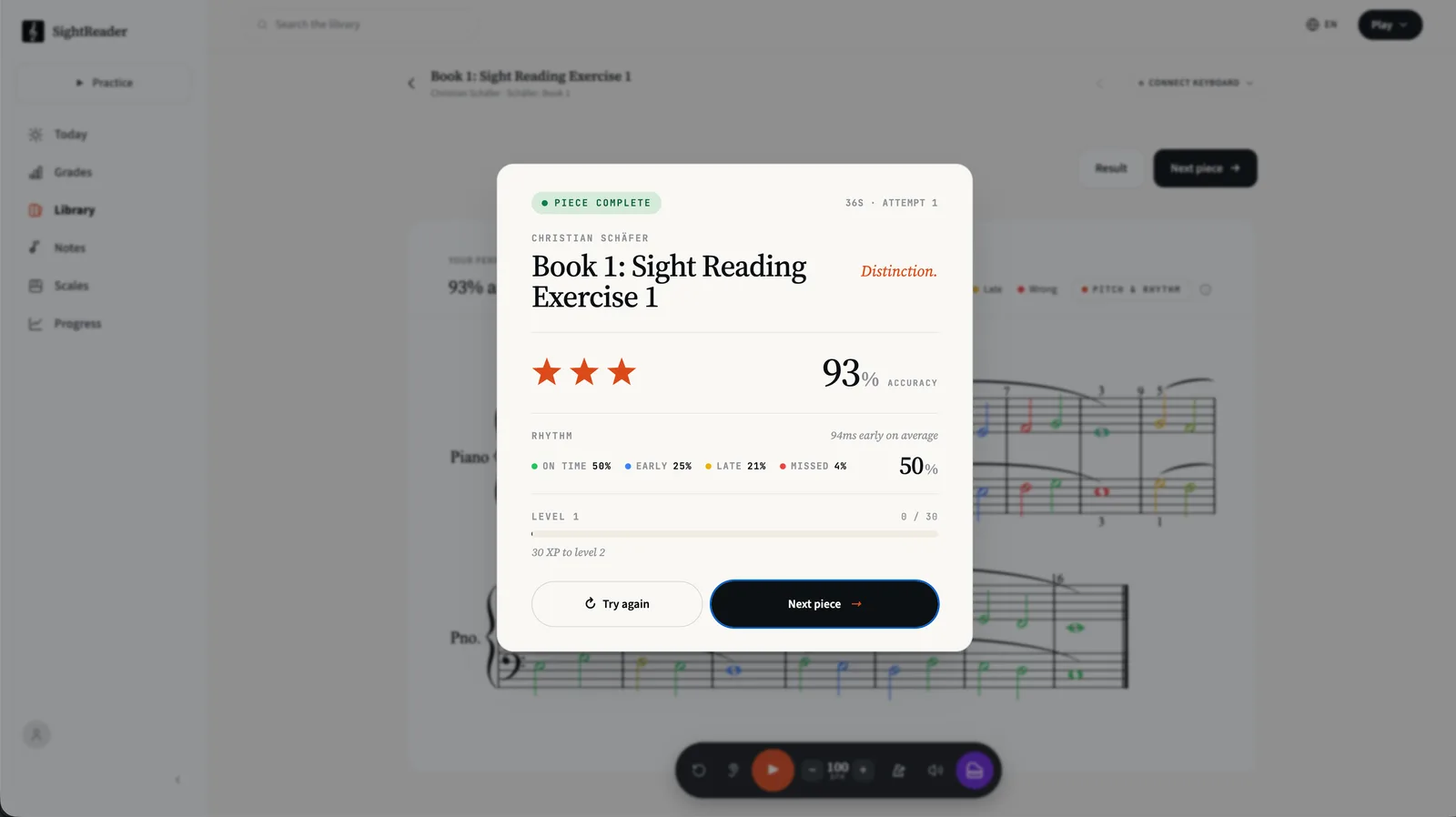
The results card now breaks your timing down alongside your accuracy: how much of the piece you played on time, early and late, plus your average tendency (“94ms early on average”, say). That average is a useful tell. Consistently early usually means you’re rushing ahead of the click. Consistently late usually means you’re reading each note before trusting your hands. Either way, now you know which habit you’re working against.
One tip: make friends with the tempo dial
Playing in time doesn’t mean playing fast. Turn the BPM down and a piece that felt impossible with the beat becomes very manageable. Slower gives you more time to read each bar, and staying honest at 60 beats per minute is worth more than scrambling at 100. When a piece starts feeling comfortable, nudge it up for a challenge. Double-tap the BPM number any time to jump back to the piece’s usual speed.
Try it
Open any piece, tap the metronome, and play. One more nudge: a full attempt in Pitch & Rhythm earns 50% more XP. It works today in the browser and in the iOS and Android apps, on every piece in the library.
Rhythm is a big new muscle for SightReader, and we’ll keep tuning how strict or forgiving it feels, so I’d especially love feedback on this one. You can send us a message or write to hello@sightreader.app.
— Bret